In short
WhatsApp Business Automation for Customer Support
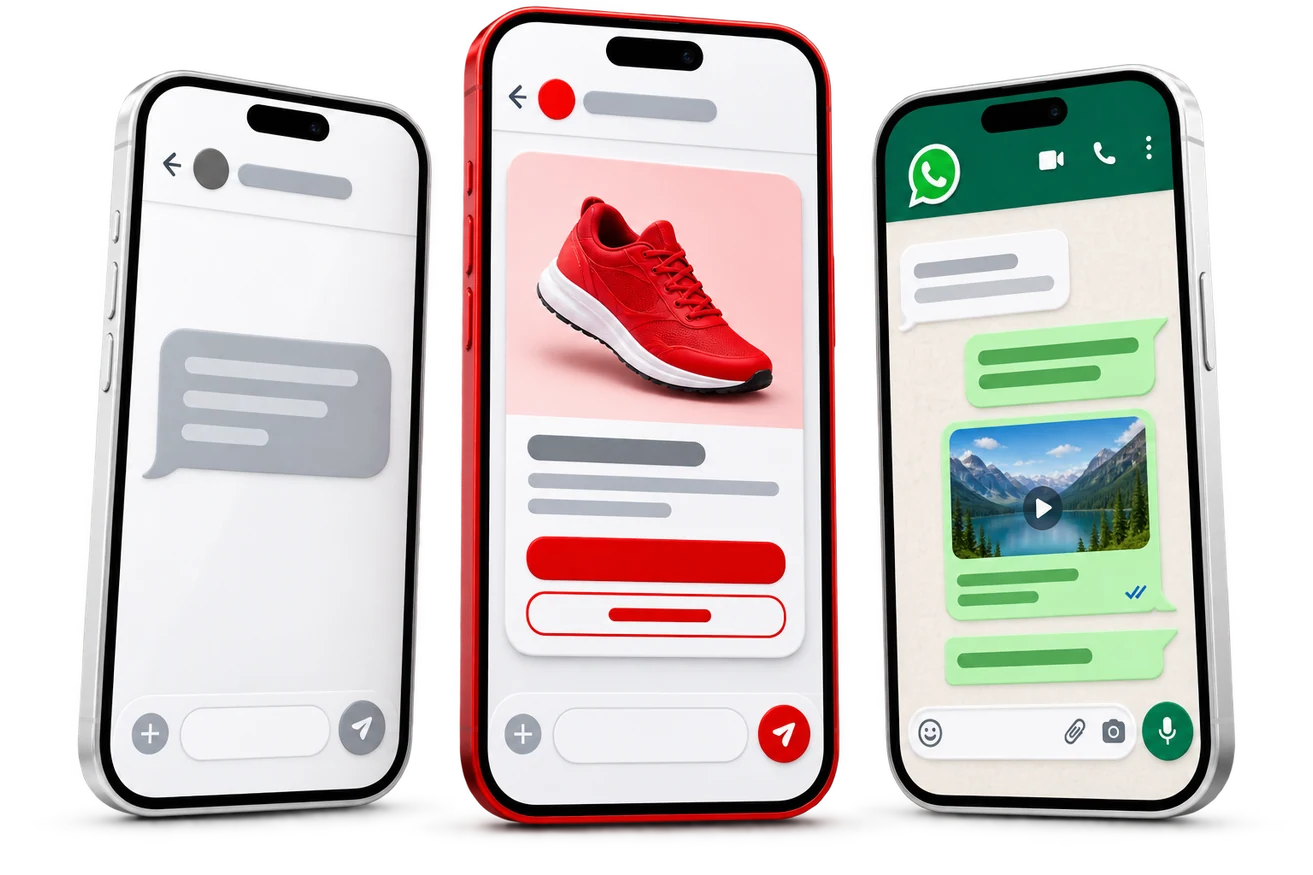
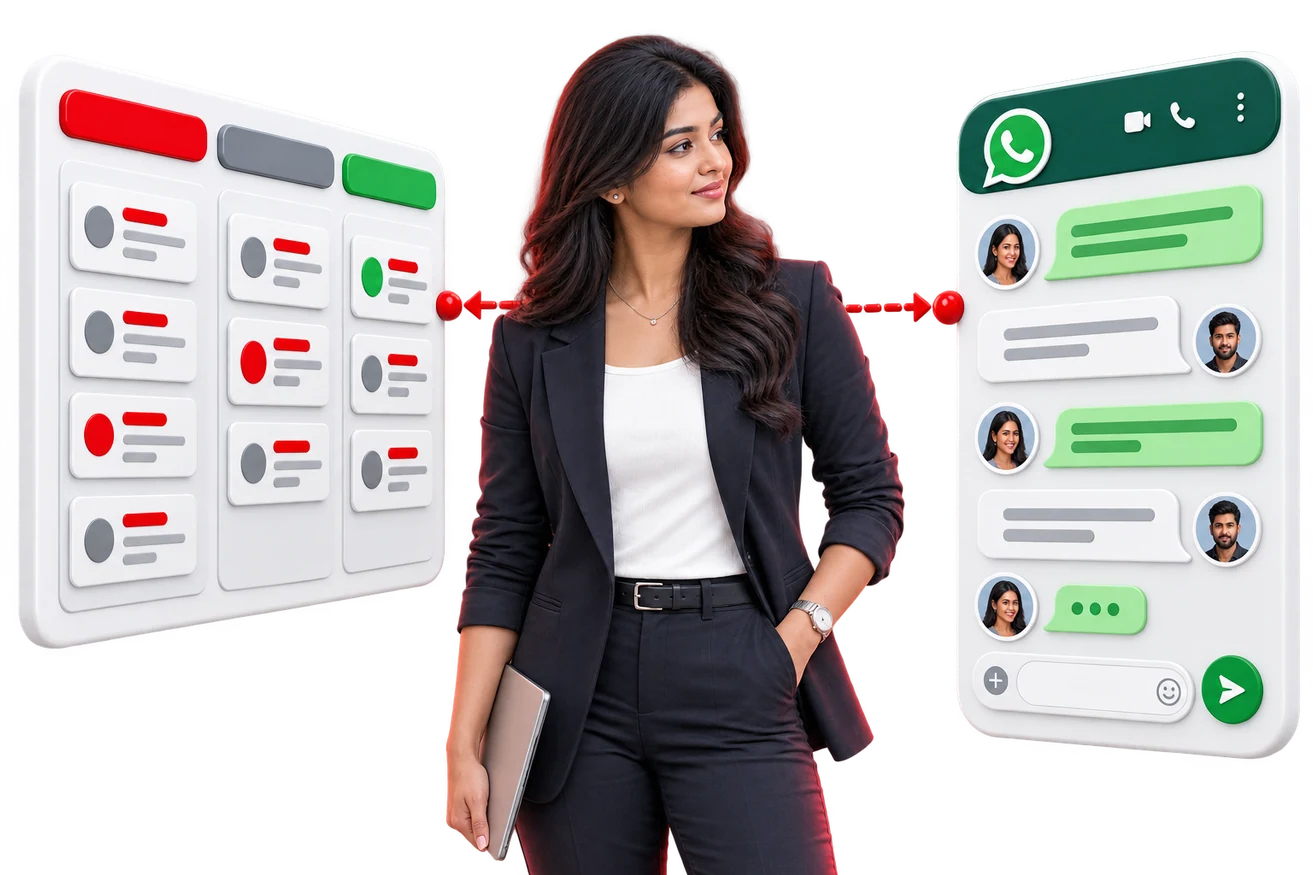
WhatsApp Business automation for support uses the WhatsApp Business API to run a shared team inbox with automated first responses, approved template messages for business-initiated updates, and a chatbot or AI assistant that resolves common queries — with immediate handover to a human agent, carrying the full conversation, whenever the customer asks or confidence drops.

WhatsApp has become the default support channel for a large share of Indian businesses, largely because customers chose it before the businesses did. The problem is that most implementations are a phone on someone's desk — no history, no assignment, no reporting, and an experience that varies with who happens to pick it up.
Automation fixes that, but only if it is designed around how the platform actually works.
The rule that shapes everything: the 24-hour window
When a customer sends you a message, a 24-hour service window opens. Inside it, you can reply freely — text, images, documents, buttons. Outside it, any message you initiate must use a template approved in advance.
Two consequences follow. First, proactive communication has to be planned: you cannot improvise an outbound message to a customer who last wrote three days ago. Second, every automated flow needs to know which side of the window it is on, and choose its message type accordingly. Systems that ignore this fail silently, with messages rejected and nobody noticing.
Before any bot, put the conversation somewhere a team can work. A shared inbox on the API gives you assignment to a named agent, internal notes not visible to the customer, conversation status, templated quick replies, and reporting on response and resolution time. This alone resolves most of the chaos of a business-phone setup.
Layer two: automated first response
An immediate acknowledgement changes the customer's experience of waiting. Keep it honest and useful: confirm receipt, state realistic hours, and offer the two or three things most people want. Do not promise a reply time you cannot meet.
Layer three: resolving the common cases
Look at your last three hundred conversations. In most businesses, a small number of intents cover the majority of them:
- Order or delivery status — resolvable automatically via an API lookup
- Opening hours, address and directions — a static answer
- Pricing and availability — a lookup or a routed handover
- Returns, cancellations and refunds — a guided flow with a policy check
- Appointment booking or rescheduling — a flow writing into your calendar system
- Payment links and receipts — generated and sent on request
Order status is usually the single biggest win, because it is high volume, needs no judgement, and is trivially automatable if the bot can query your order system. If you automate only one thing, automate that.
Layer four: AI for the long tail
Beyond the structured intents sits a long tail of product and policy questions that no menu can cover. An AI assistant grounded in your own product data and policies handles these, provided it is built with strict rules: answer only from retrieved sources, never invent stock levels, prices or delivery dates, and escalate when unsure.
Designing the handover properly
- Offer a human option in the first message, not buried three levels deep
- Trigger handover automatically on repeated failure, frustration or an explicit request
- Pass the entire message history, the customer record and what the bot already tried
- Set expectations honestly when outside working hours, with a callback commitment
- Suppress automated messages once a human takes over — nothing is worse than a bot interrupting an agent
Connecting it to your systems
Automation that cannot read your order system can only answer generic questions. The implementations that reduce support volume are the ones connected to real data: order status, appointment slots, account balance, ticket state. That is an integration project as much as a messaging project.
What to measure
- Percentage of conversations fully resolved without an agent
- Median time to first response, and to resolution
- Handover rate, and the reason for each handover
- Template message delivery and read rates
- Conversations reopened within 48 hours — a sign of unresolved issues
Track the handover reasons in particular. They are a ranked list of what to automate next, generated by your own customers rather than guessed in a planning meeting.
Frequently asked questions
What is the 24-hour customer service window?
When a customer messages your business, a 24-hour window opens during which you can reply with free-form messages. Outside that window, business-initiated messages must use a pre-approved template. This rule shapes almost every automation design decision on WhatsApp.
Do we need the API, or is the WhatsApp Business app enough?
The app suits a single person handling low volume. The API is required for multiple agents on one number, automation, template messaging at scale, and any integration with a CRM or helpdesk.
Will customers accept a bot on WhatsApp?
They accept it when it is fast, honest about being automated, and hands over to a human the moment they ask. They reject it when it loops, pretends to be human, or hides the escalation path.
WRITTEN BY THE REDLITMUS TEAM · WHATSAPP BUSINESS · LAST UPDATED 29 JULY 2026