In short
How WhatsApp CRM Integration Improves Lead Management
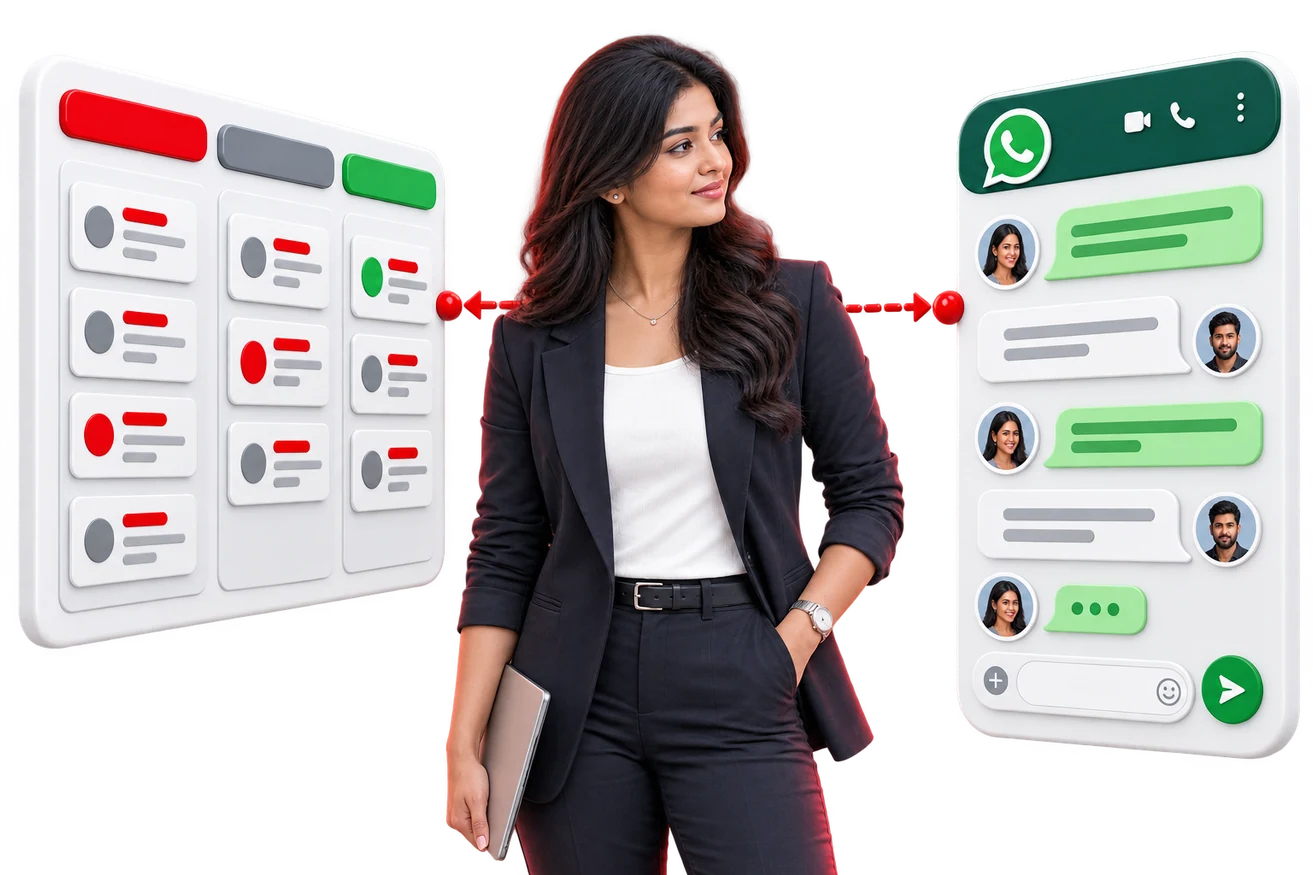
WhatsApp CRM integration connects the WhatsApp Business API to your CRM so inbound messages create or update lead records automatically, every conversation is stored against the customer, follow-up sequences send from the CRM, and campaign source is tracked from first message to closed deal — instead of history living on a salesperson's phone.
In most Indian sales teams, a significant share of the pipeline lives on WhatsApp — and a significant share of that lives on individual salespeople's personal phones. The commercial risk is obvious the day someone resigns. The operational cost is quieter but larger: nobody can see what was promised, what was quoted, or when the customer last heard from anyone.
What integration actually changes
1. Leads are created without anyone typing
A first message from an unknown number creates a lead record automatically, populated with the phone number, the message, the timestamp and — where a click-to-WhatsApp ad was used — the campaign, ad set and creative that produced it. Known numbers match to the existing contact instead of creating a duplicate.
This matters because manual entry is where leads disappear. A busy salesperson replying to fifteen enquiries will not stop to create fifteen CRM records.
2. Attribution survives to the closed deal
Because the source is captured at the first message and carried on the record, you can eventually answer the question most marketing budgets are spent without answering: which campaign produced revenue, not just conversations.
3. The conversation belongs to the company
Every message is stored on the customer record. When a colleague picks up the account, when a manager reviews a stalled deal, or when a dispute arises about what was quoted, the history is there. The business number stays with the business.
4. Follow-up runs from the CRM
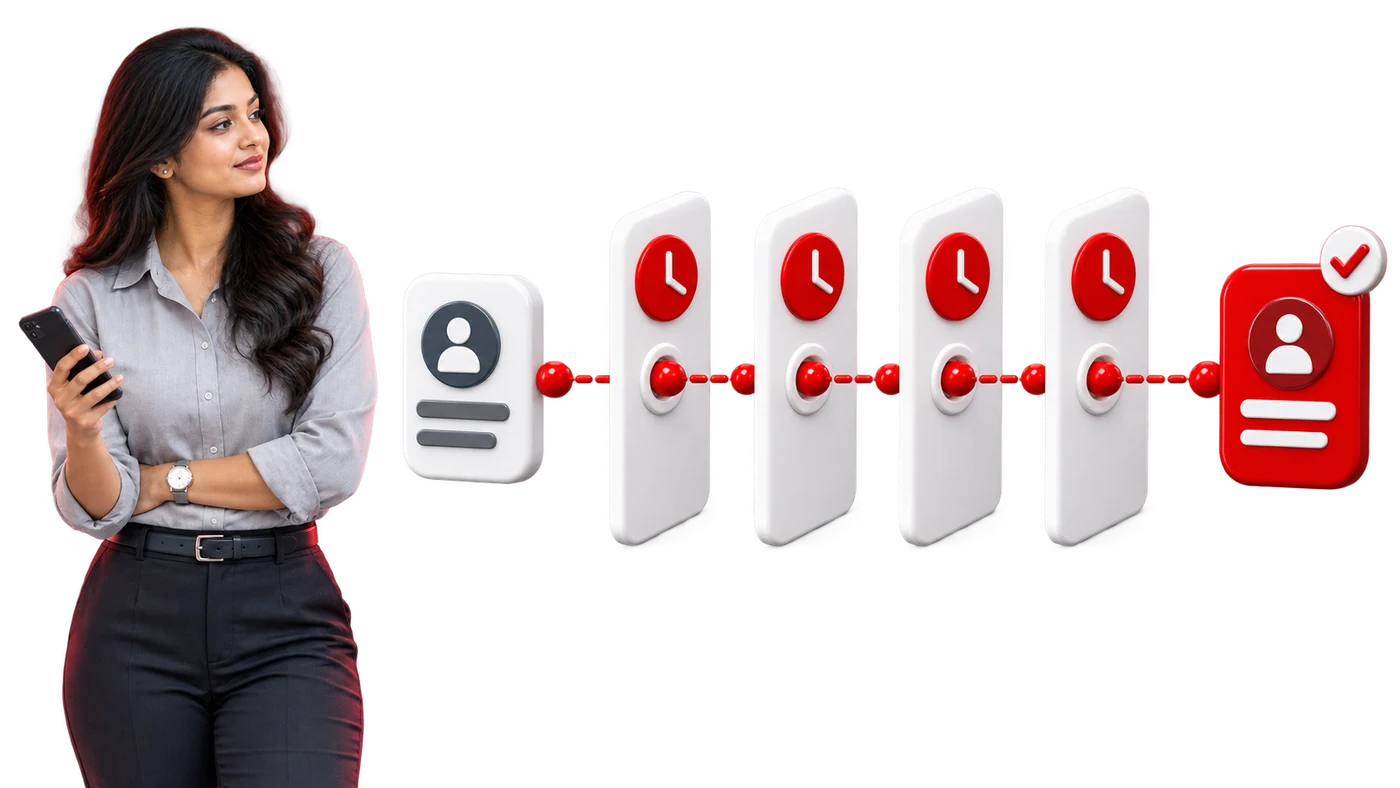
Because the CRM knows the stage, the owner and the last contact date, it can drive the follow-up rather than relying on memory: a reminder to the owner, an approved template message after a period of silence, and automatic suppression of the sequence the moment the customer replies.
A working lead flow
- 01Customer taps a click-to-WhatsApp ad or messages your number.
- 02Integration creates or matches the contact and records the campaign source.
- 03An automated greeting acknowledges within seconds and asks one qualifying question.
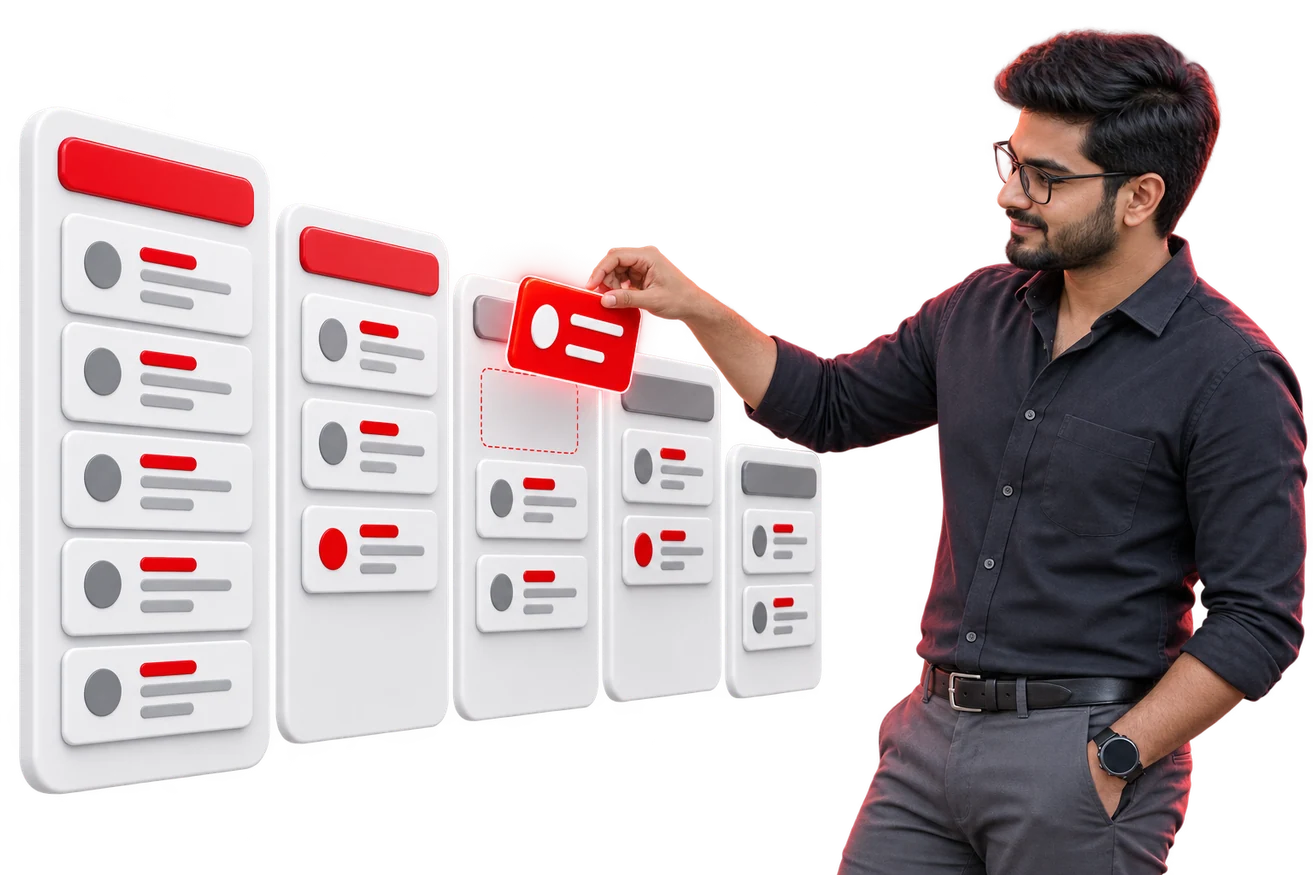
- 04The answer sets a category, which drives assignment to the right salesperson.
- 05The assigned owner is notified with the conversation and the lead context.
- 06Every subsequent message, in both directions, is logged on the record.
- 07If no reply within the agreed window, a follow-up template is sent automatically.
- 08Stage changes, quotations and outcomes are recorded against the same deal.
Implementation notes that matter
- Deduplicate on the phone number in a normalised format, or you will collect duplicates across country-code variations.
- Store the conversation window state so the system knows when a template is required instead of a free-form reply.
- Handle the opt-out keyword centrally so a customer who opts out is suppressed everywhere at once.
- Keep templates in the CRM alongside the pipeline stage they belong to, so agents send the right one without thinking.
- Log delivery and read status back to the record — 'sent' and 'read' are different sales signals.
What it does not fix
Integration will not make a badly designed pipeline work, and it will not make salespeople follow up on leads they have decided not to pursue. What it does is remove the excuses — no lost enquiries, no missing history, no follow-up that depended on someone remembering. What remains visible after that is a genuine sales management question, not a tooling one.
Frequently asked questions
Can multiple salespeople use one WhatsApp number?
Yes, through the WhatsApp Business API with a shared inbox. Conversations are assigned to individual agents while the number, the history and the customer relationship stay with the business.
Are WhatsApp conversations stored in the CRM?
With a proper integration, yes — every inbound and outbound message is written to the customer record with a timestamp, so any team member can see the full history.
Can we send bulk WhatsApp messages to leads?
Only using approved template messages to recipients who have opted in, through the API. Bulk sending from a personal or Business App number risks the number being blocked.
WRITTEN BY THE REDLITMUS TEAM · CRM · LAST UPDATED 21 JULY 2026